
Capabilities
Formwork geometry, drawn from the data
Turn the model with the mouse, switch to plan or an elevation, and step through the stages in the order the pours are cast. Each stage draws as a section along the grid line you pick and a plan, to the same drafting standard as the brief, and the form areas below follow the stage.
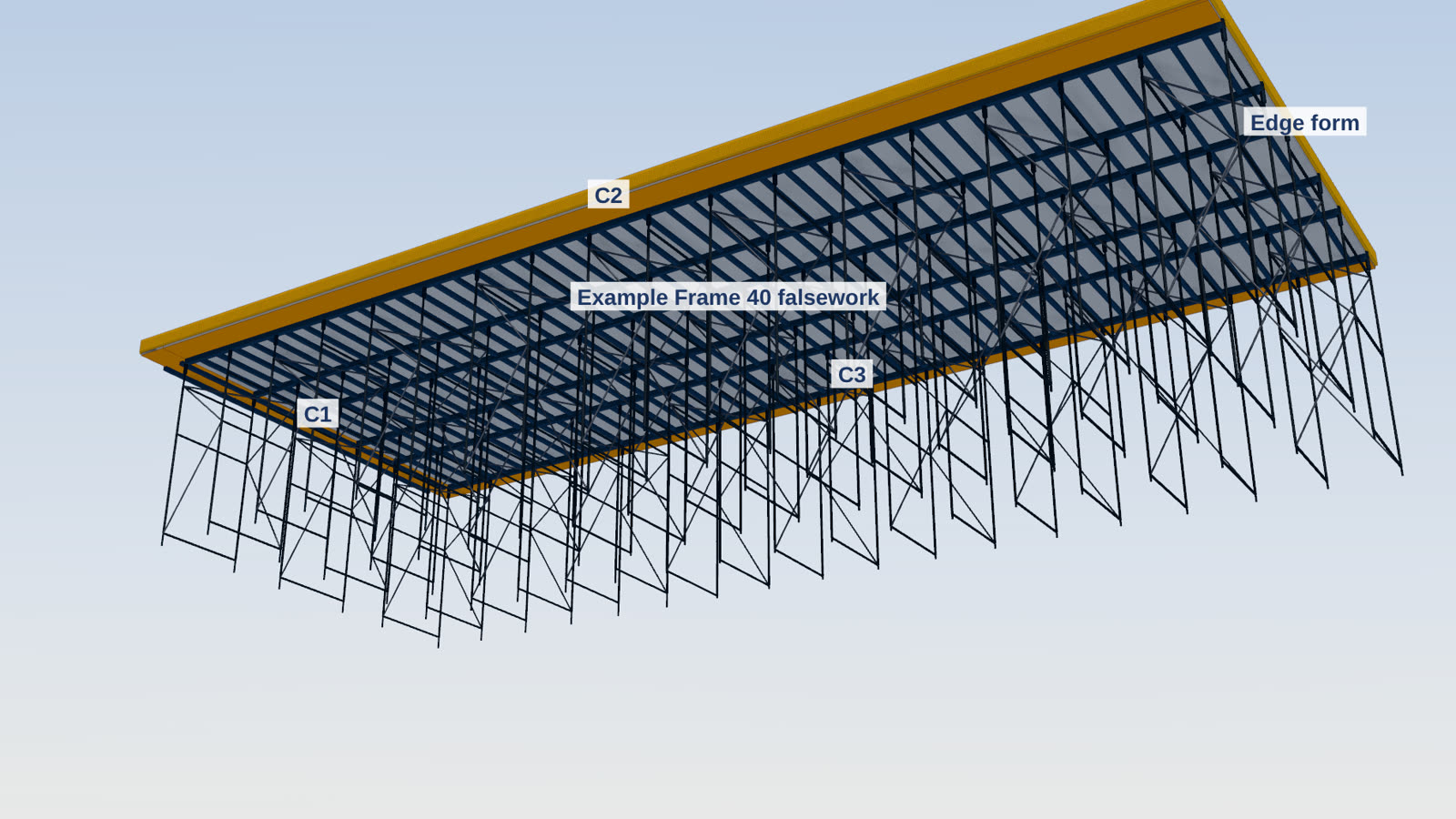
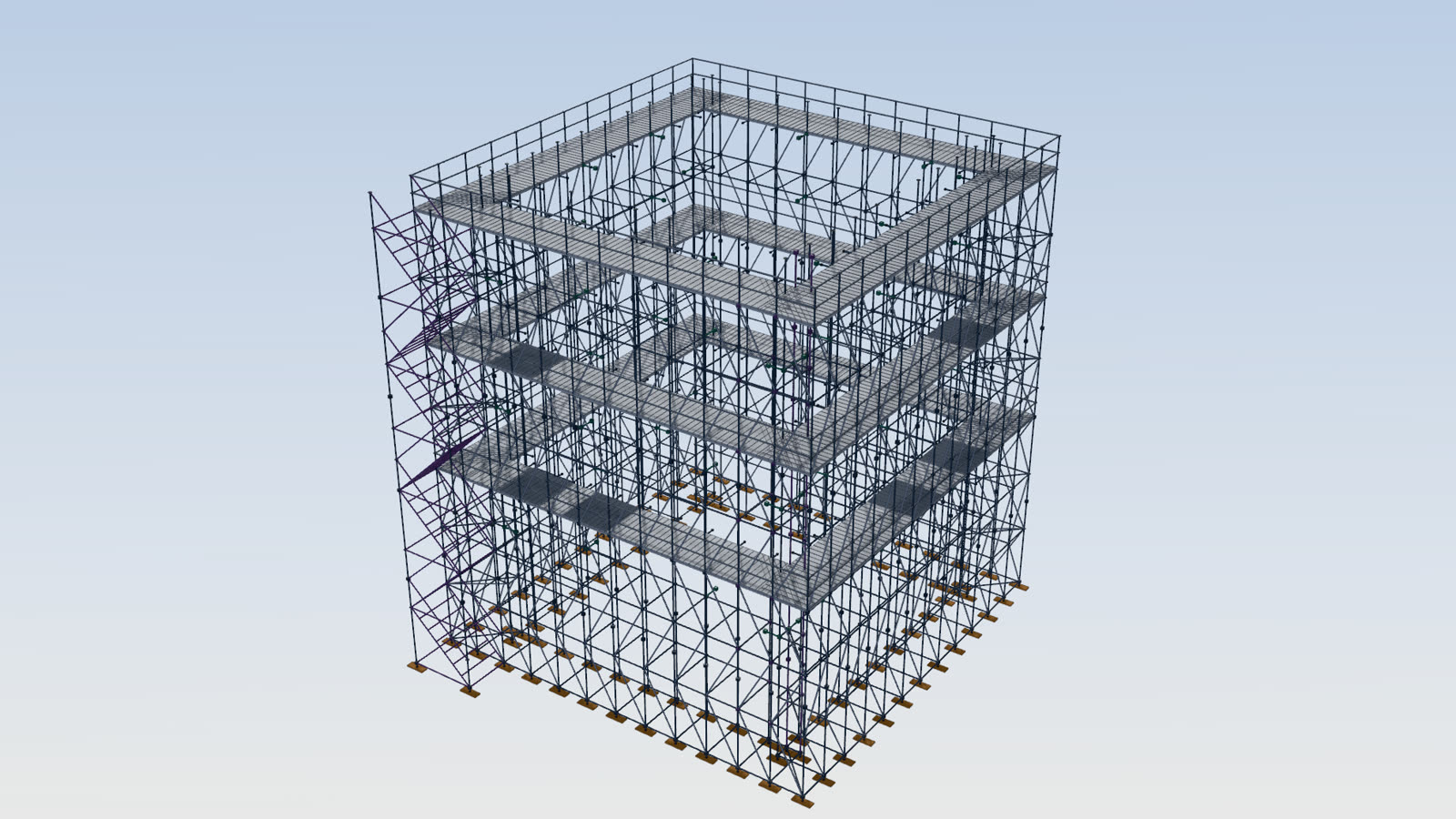
The geometry is the author's, entered from the permanent works drawings: arcs and polygons walked as segments, column and beam profiles, lifts stacked on their element, and the frame towers laid out from the system the author entered. TworkX draws and measures it for the designer. The design of the formwork and falsework stays with the designer.
Stage 4 (cast order 4): TW 090 S1
Loading the 3D view.
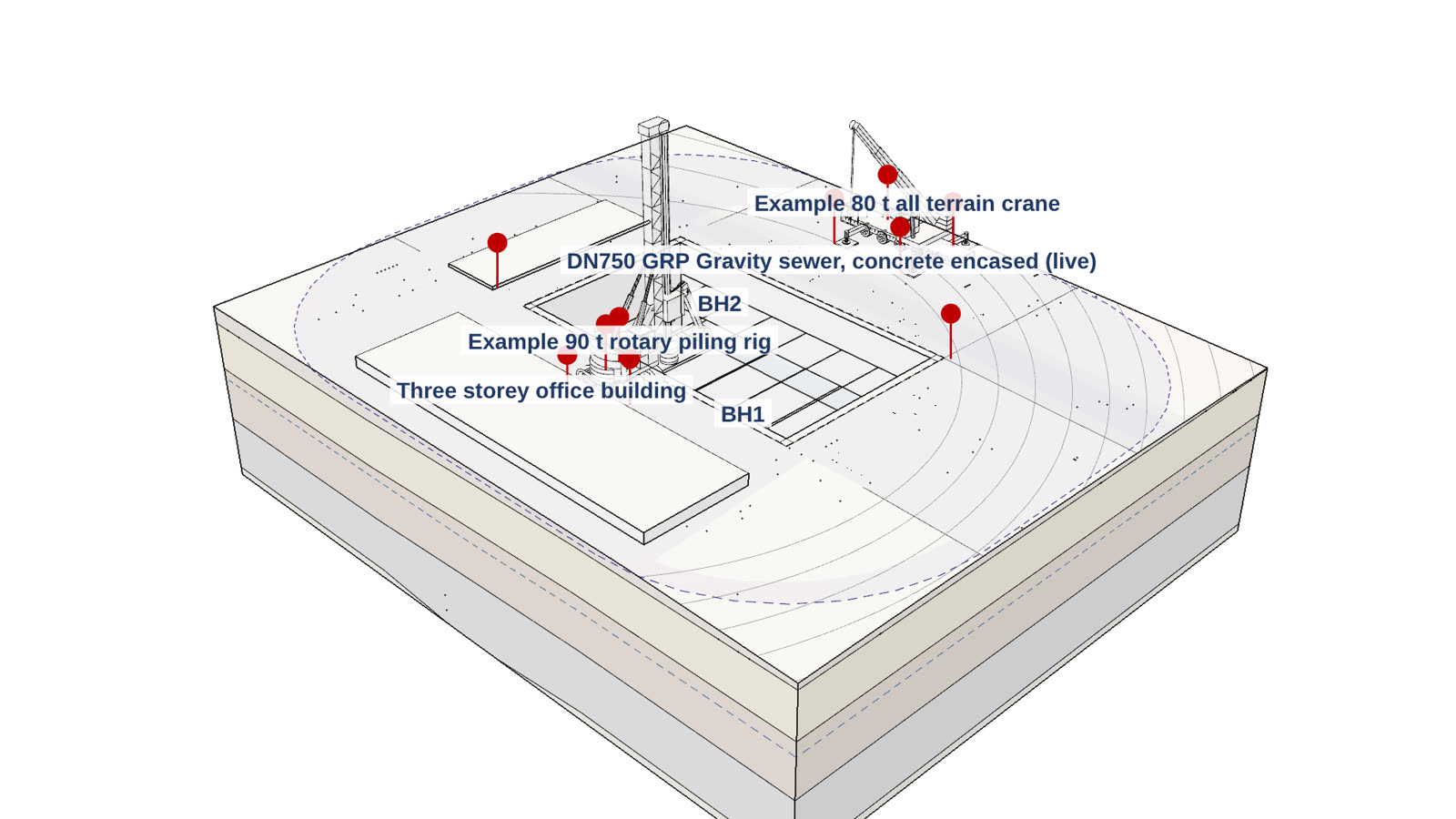
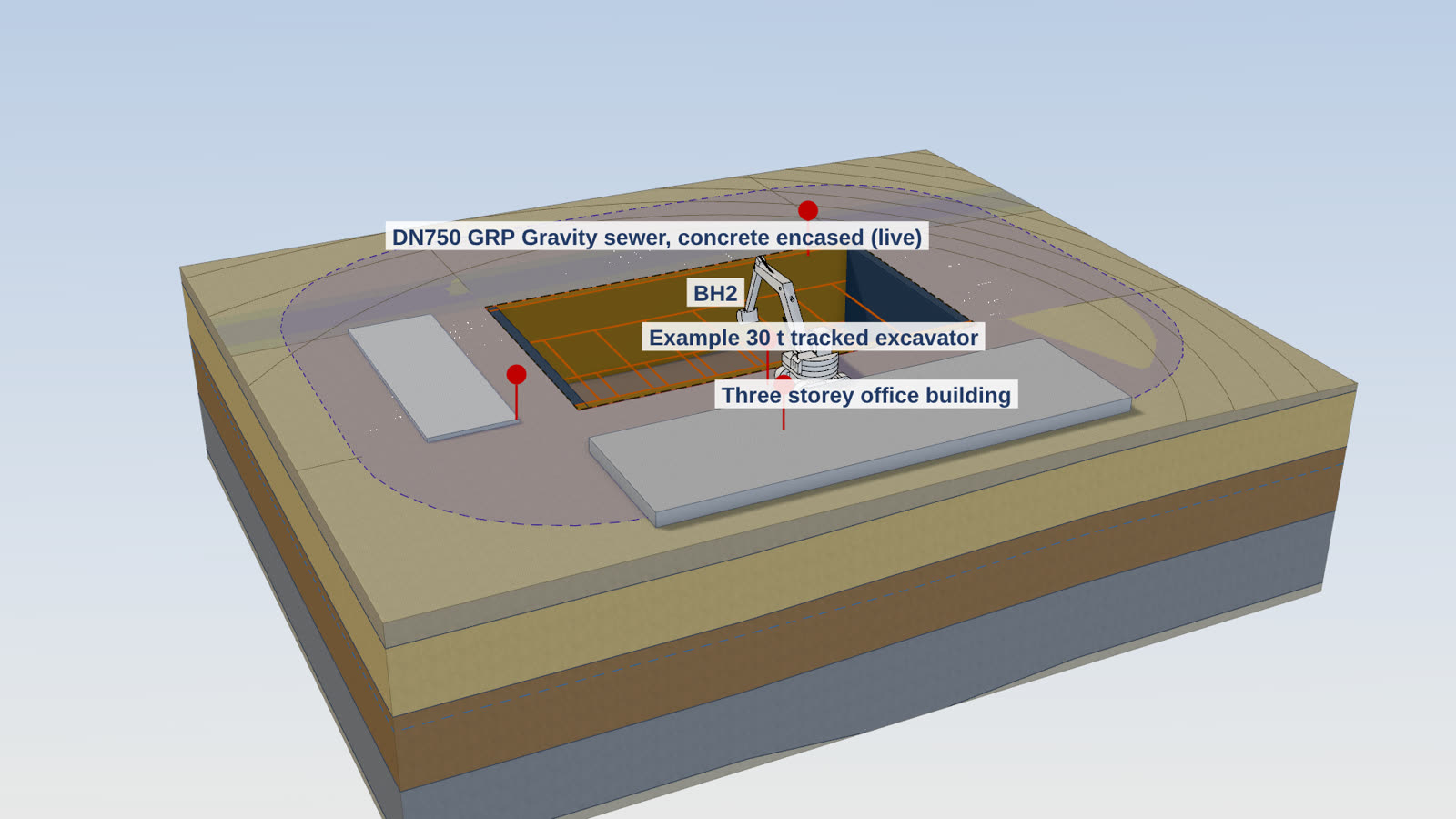
Grey: cast before the stage. Blue: the forms of the stage, by the system named; amber: conventional formwork detailing. Dark lines: the falsework of the node model; green: the backprops under the slab being cast; slate: the scaffolds standing at the stage. Brown: the excavations at the end of their stages. Orange: the item picked. Red markers, in the 3D view on the engine: the checks of the scene, picked to read them.
Stage 4 figures
Form areas to stage 4
The form faces, deck and concrete of every pour cast up to the stage shown, measured from the same model the drawings are drawn from.
| Pour | Form faces (m²) | Deck (m²) | Concrete (m³) |
|---|---|---|---|
| T1 Tank wall, lift 1 | 114.9 | 16.96 | |
| T2 Tank wall, lift 2 | 114.9 | 16.96 | |
| T3 Tank wall, lift 3 | 114.9 | 16.96 | |
| K1 Valve pit | 96.0 | 11.99 | |
| C1 Pump station column | 9.6 | 1.44 | |
| H1 Pump station headstock | 39.3 | 10.1 | 14.60 |
| S1 Pump station roof slab | 204.0 | 189.0 | 47.25 |
| Total | 693.4 | 199.1 | 126.16 |
New in 5.0
Every module in 3D
From version 5.0 every model in TworkX opens in one 3D engine. An excavation shows its ground layers, support, services, pits, plant and stages; cut it on a line, at a level or with a box, and the cut faces are capped and hatched by material. Switch to the Drafting style and it reads like the drawings.
The brief, or the whole project, downloads as IFC for the designer's BIM software, and any view as glTF for any 3D tool. Both are geometry for the designer's information, with no results, loads, capacities or member sizes.
The sample pack
The same structure as the files the app produces: the brief with its A3 sheets, the drawings for CAD, and the formwork quantities. Every file is marked SAMPLE and the project is fictitious.
See what each module covers on the Modules page, or book a walkthrough.